Google Review QR Codes in 2026: How to Ask for Reviews Without Crossing the Line
Google now provides review QR codes inside Business Profile. Use them carefully to collect fresh reviews without gating, incentives, or pressure.
Google Review QR Codes in 2026: How to Ask for Reviews Without Crossing the Line
Google has made review collection more direct for local businesses: Business Profile owners can now create both a review link and a QR code from the profile dashboard. Google’s own help page suggests placing the code on receipts, thank-you emails, chat follow-ups, and in-store displays. That’s useful for busy SMBs, but it also raises a practical question: how do you ask more often without making the ask look manipulative?
The answer is to treat the QR code as a shortcut, not a filter. It should make an honest review easier to leave. It should not steer only happy customers to Google, reward people for posting, or pressure customers while they’re still at your counter.
Why This Matters Now
Reviews are still one of the highest-intent signals a local business has. BrightLocal’s 2026 Local Consumer Review Survey found that consumers use an average of six review sites, Google remains the largest review source, and 74% of consumers only care about reviews written in the last three months. The same survey found that 47% won’t use a business with fewer than 20 reviews, and 31% will only use a business with a rating of 4.5 stars or higher.
That doesn’t mean every business should chase volume at any cost. It means review requests need to be consistent, current, and compliant.
ConsumerAffairs also found that 77% of Americans say online reviews are important when making purchase decisions, and one in three won’t buy without reading them first. For service businesses, clinics, restaurants, salons, repair shops, home services, and local retailers, a review QR code can remove friction at the exact moment a customer still remembers the details.
What Google Allows
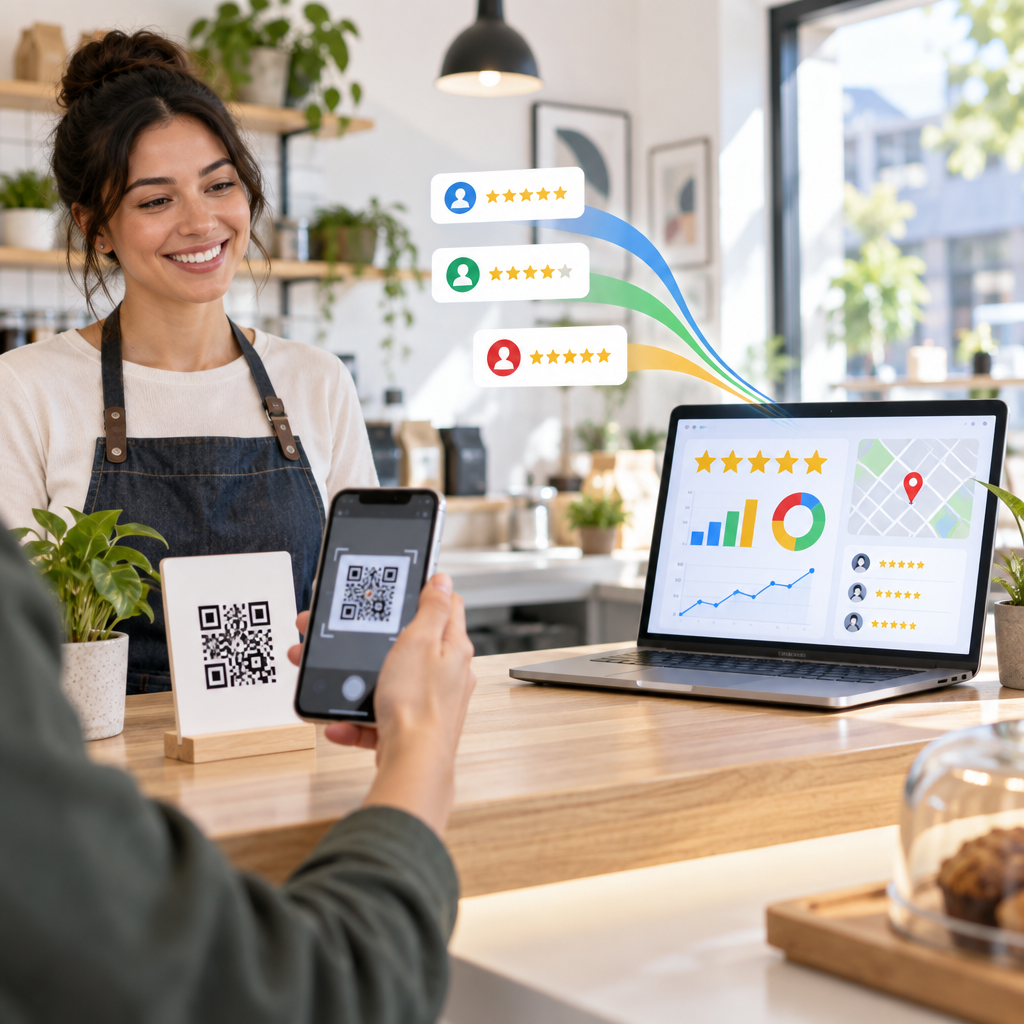
Google says businesses may create and share a review link or QR code to make it easier for customers to leave reviews on a Business Profile. The same page says businesses can include the code on receipts, thank-you emails, the end of a chat interaction, or a printed display in the store. Google also says the QR code currently has to be generated from a computer browser, not a mobile device.
The clean workflow is simple:
- Open your Business Profile on desktop.
- Go to Read reviews, then Get more reviews.
- Copy the review link or download the QR code.
- Use the same destination for every customer.
That last point matters. The safest review request sends everyone to the same public review option, regardless of whether they were thrilled, neutral, or annoyed.
What Crosses the Line
Google’s prohibited content policy says Maps reviews must reflect genuine experiences. It bans incentives such as payment, discounts, free goods, or services in exchange for reviews. It also says merchants should not discourage negative reviews or selectively solicit positive reviews. Google’s policy allows businesses to encourage genuine reviews, but not to influence the rating or the content.
That creates a few clear red flags:
A kiosk that asks “Were you happy?” and only shows the Google QR code after a positive answer is review gating.
A card that says “Show us your 5-star review for 10% off” is an incentive tied to sentiment.
A manager asking staff to collect a fixed number of reviews with specific employee names mentioned is risky, because Google says merchants should not request specific content.
A customer being pushed to scan the code while the staff member watches can feel like pressure. Google’s policy says merchants should not require or pressure users to leave ratings or reviews while on the premises.
The FTC’s Consumer Reviews and Testimonials Rule adds another layer. The FTC says the rule went into effect on October 21, 2024, and authorizes civil penalties for knowing violations involving deceptive review practices. The FTC’s Q&A says businesses, agencies, PR firms, and review-management companies can be liable if they create or sell fake reviews, provide incentives conditioned on a particular sentiment, or engage in review suppression.
Better Places to Use the QR Code
A QR code works best when it appears after the value has been delivered and the customer has space to respond honestly.
For a restaurant, that might be a small line on the receipt: “Tell us how your visit went.” For a salon, it could be a mirror card near checkout plus a follow-up text later that day. For a home services company, the review link belongs in the completion email after the job is done, not while the technician is still standing in the driveway.
Retailers can place a small sign near the register, but the phrasing should stay neutral. “Review us on Google” is cleaner than “Loved us? Leave five stars.” Healthcare, legal, and financial services should be even more careful, since customer privacy and regulatory expectations can make public feedback more sensitive.
Track Quality, Not Just Scans
QR codes can increase review opportunities, but the goal is not a sudden spike that looks unnatural. The healthier pattern is steady collection from real customers over time.
Watch for three signals after rolling out a QR code:
Review recency: Are new reviews arriving every week or month, not just after a one-time campaign?
Sentiment themes: Are customers mentioning the issues you care about, such as wait time, staff friendliness, pricing clarity, delivery speed, or cleanliness?
Response consistency: Are you replying quickly and helpfully to both praise and criticism?
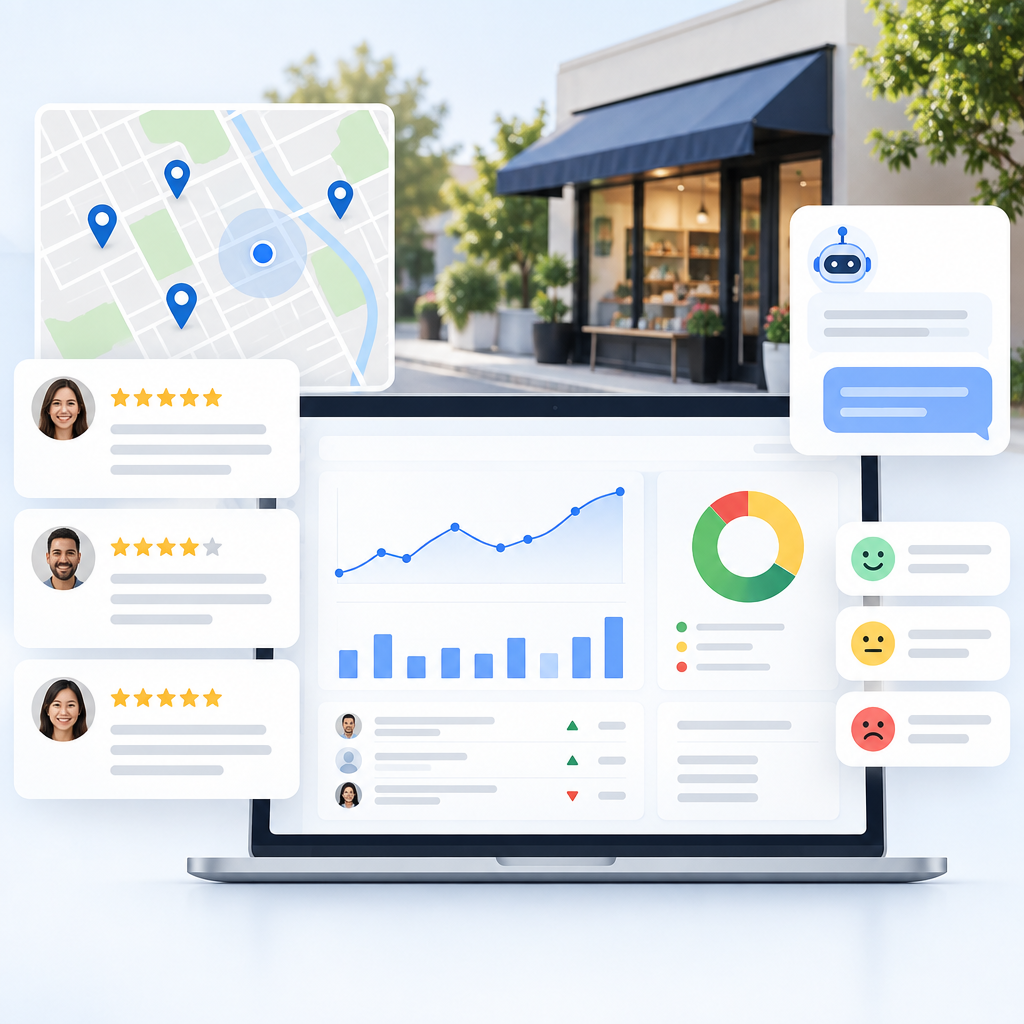
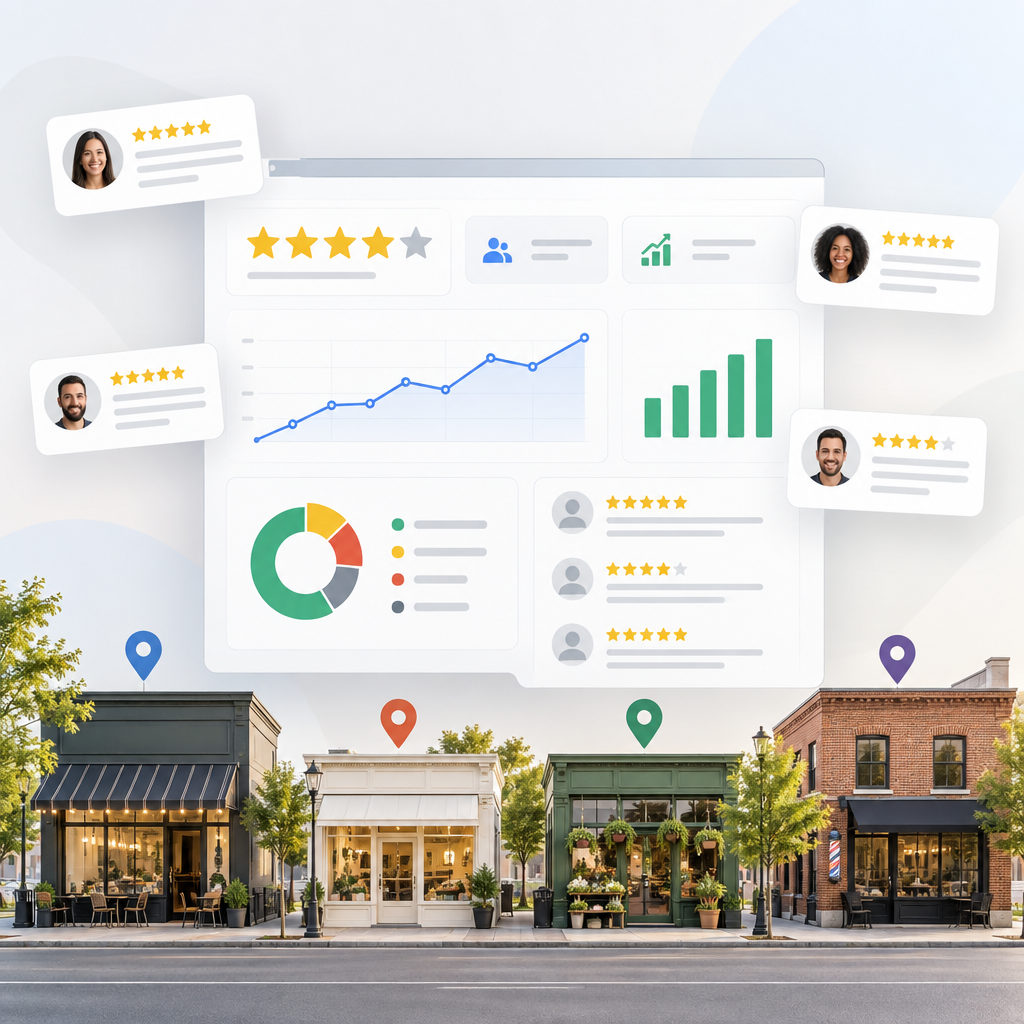
This is where ReviewHive helps. Instead of checking Google, Yelp, Facebook, and other platforms one by one, ReviewHive aggregates reviews into one dashboard, tracks rating trends and recurring themes, and drafts AI-assisted replies your team can edit before posting. That makes a QR code program easier to manage because you can see whether new requests are improving reputation, exposing operational problems, or creating response backlogs.
A Simple Compliant Ask
Use language that invites honesty and avoids rating pressure:
“Thanks for choosing us. If you have a minute, we’d appreciate an honest review of your experience.”
That wording works because it asks for the customer’s real experience, not a positive outcome. It also keeps the business focused on the long-term value of reviews: useful feedback, fresher local search signals, and public proof that the company listens.
Google review QR codes are worth using in 2026, especially for businesses that rely on local search and repeat trust. The win is not a bigger ask. It’s a cleaner, easier, more consistent ask. ReviewHive can help you turn the reviews that follow into faster replies, clearer trends, and a reputation program your team can actually keep up with.
Sources
- Google Business Profile Help: Create a Google link or QR code to request reviews
- Google Business Profile Help: Prohibited and restricted content
- BrightLocal: Local Consumer Review Survey 2026
- ConsumerAffairs: The State of Online Reviews (2026)
- Federal Trade Commission: The Consumer Reviews and Testimonials Rule: Questions and Answers