Review Gating in 2026: The Google Business Profile Risk SMBs Should Audit Now
Review gating can cost SMBs trust, fresh reviews, and even Google Business Profile visibility. Here is how to ask safely in 2026.

Review Gating in 2026: The Google Business Profile Risk SMBs Should Audit Now
Review gating is the habit of steering only happy customers toward public reviews while routing unhappy customers into a private feedback path. It can look harmless: a quick survey that sends 5-star respondents to Google, a staff script that asks only regulars for reviews, or a follow-up email that says, “If you loved us, leave a review.”
In 2026, that shortcut is riskier than it looks. Consumers are demanding fresher, stronger review profiles, platforms are policing manipulation more directly, and the FTC has clearer rules for fake, biased, and suppressed reviews. For SMB owners and marketers, the practical goal is simple: ask for reviews consistently, neutrally, and in the right way for each platform.
Why Review Gating Is Back on the Risk List
BrightLocal’s 2026 Local Consumer Review Survey shows why businesses feel pressure to chase better reviews. In its panel of 1,002 U.S. adults, 47% of consumers said they won’t use a business with fewer than 20 reviews. Recency matters too: 74% only care about reviews written in the last three months, and 31% will only use a business with a 4.5-star rating or higher.
Those numbers explain the temptation. A steady flow of positive reviews can make a local business look safer, more active, and more trustworthy. The problem is that selective review requests can create a profile that looks artificially polished. Google, Yelp, and regulators are not asking businesses to stop collecting feedback. They are asking businesses not to manipulate which voices become public.
Google’s review guidance is fairly direct. Businesses may remind customers to leave reviews and can ask customers to use a Google link or QR code. Google also says honest and balanced reviews help potential customers decide, and that a mix of positive and negative feedback often feels more trustworthy. The line is crossed when a business offers incentives, pressures customers, requests specific content, discourages negative reviews, or selectively solicits positive reviews.
What Google Can Do to a Profile
Google’s Business Profile restriction policy raises the stakes beyond removing a few suspicious reviews. If Google determines that a business owner violated its Fake Engagement policy, it may restrict the Business Profile in addition to removing the reviews.
The listed examples are serious: a profile may be unable to receive new reviews or ratings for a set period, existing reviews or ratings may be unpublished for a set period, and Google may show a warning telling consumers that fake reviews were removed. For a local business that depends on Maps, Search, and near-me discovery, any one of those outcomes can hurt leads at exactly the moment reputation matters most.
This is why review gating should be treated as an operational risk, not a copywriting issue. The problem usually starts in routine workflows: front desk scripts, receipts, email automations, SMS templates, post-service surveys, or agency-managed campaigns. If those workflows filter customers before asking for a public review, they deserve a closer look.
The FTC Adds Legal Pressure
The FTC’s final rule on consumer reviews and testimonials bans several deceptive review practices. The rule covers fake or false reviews, including AI-generated fake reviews and reviews from people who did not have real experience with a business. It also prohibits incentives conditioned on reviews expressing a particular sentiment, positive or negative, and addresses certain forms of review suppression.
The FTC’s marketer guidance is useful for everyday review operations. It says not to ask for reviews from people who have not used the product or service, not to ask only customers you think will leave positive reviews, and not to condition incentives on a positive review. It also warns that businesses can be held responsible for what reputation management vendors do on their behalf.
That vendor point matters. If an agency, contractor, or review tool is filtering customers behind the scenes, the business still owns the risk. SMBs should know exactly how every review request is triggered, who receives it, and what the message says.
Yelp Is Different From Google
A common mistake is treating every review platform the same. Google allows businesses to ask customers for reviews, provided the request is neutral and follows its policies. Yelp’s business terms are much stricter. Yelp says business account users must not solicit or ask customers for reviews, offer incentives for reviews, pay anyone to post or remove reviews, or try to circumvent its recommendation software.
That means a one-size-fits-all campaign can create platform-specific trouble. A QR code asking for a Google review may be acceptable when used properly. The same “please review us on Yelp” request can violate Yelp’s business terms.
A safer workflow is platform-aware. Ask for Google reviews neutrally from real customers. Avoid Yelp solicitation. Monitor Yelp, claim the business page, respond professionally, and let Yelp reviews happen organically.
How to Replace Gating With Safer Review Growth
Start by removing conditional language. Phrases like “If you had a great experience,” “Help us get five stars,” “Mention your technician,” and “Show this review for a discount” create unnecessary risk. A neutral request is cleaner: “Thank you for choosing us. If you’d like to share feedback about your experience, you can leave a Google review here.”
Next, separate customer recovery from public review requests. Private feedback forms are useful, especially when a business wants to fix service issues fast. The problem starts when only positive survey respondents receive a public review link. If you use a satisfaction survey, use it for service recovery and trend analysis. Do not make the score a gate for who gets asked to review.
Train staff on timing and tone. Ask after a real transaction, appointment, stay, meal, or completed service. Do not ask customers to write the review on-site under staff supervision. Do not request specific keywords, staff names, or ratings. That may feel like local SEO optimization, but Google’s policy warns against requiring or pressuring users to include specific content.
Finally, respond to reviews like a business that listens. BrightLocal found that 89% of consumers expect business owners to respond to reviews, and 81% expect a response within a week. Replies should be specific, short, and human. Google’s own guidance recommends professional, relevant replies that avoid promotions and address negative feedback constructively.
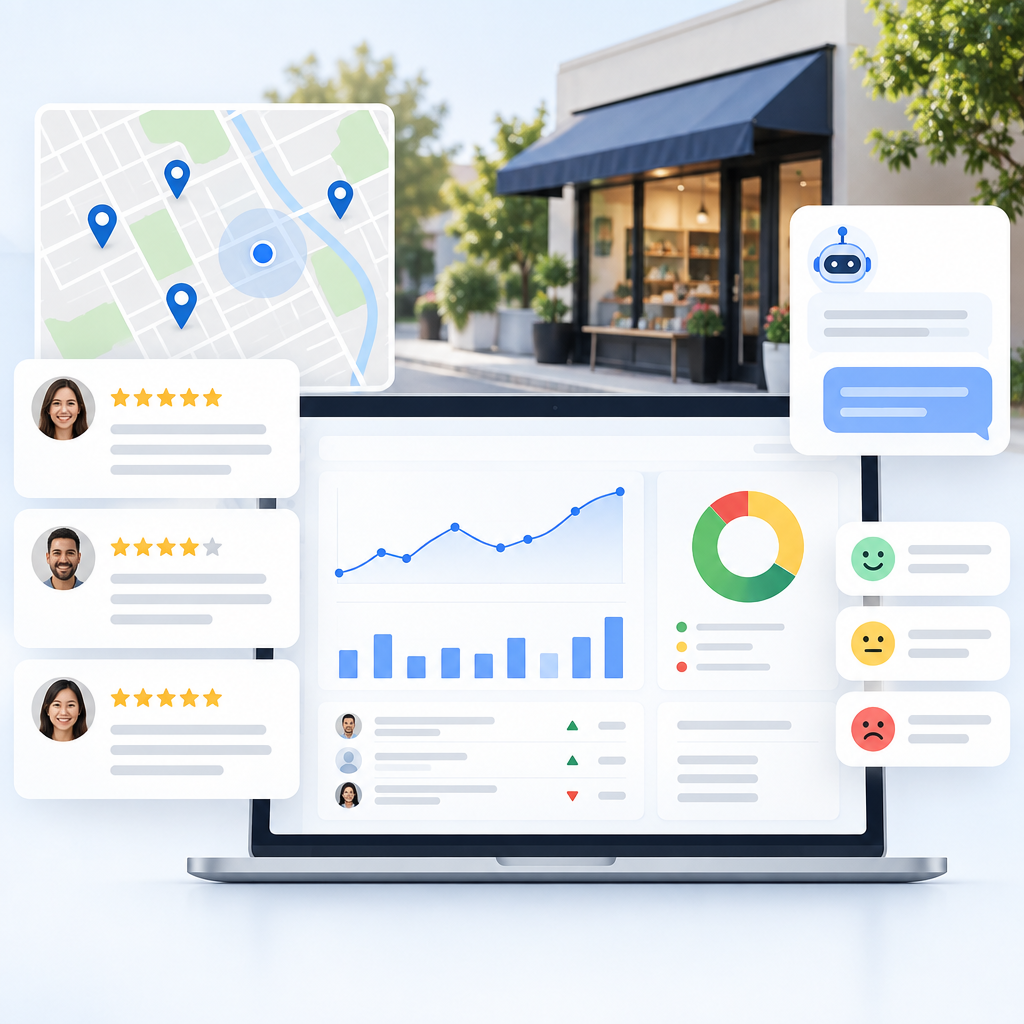
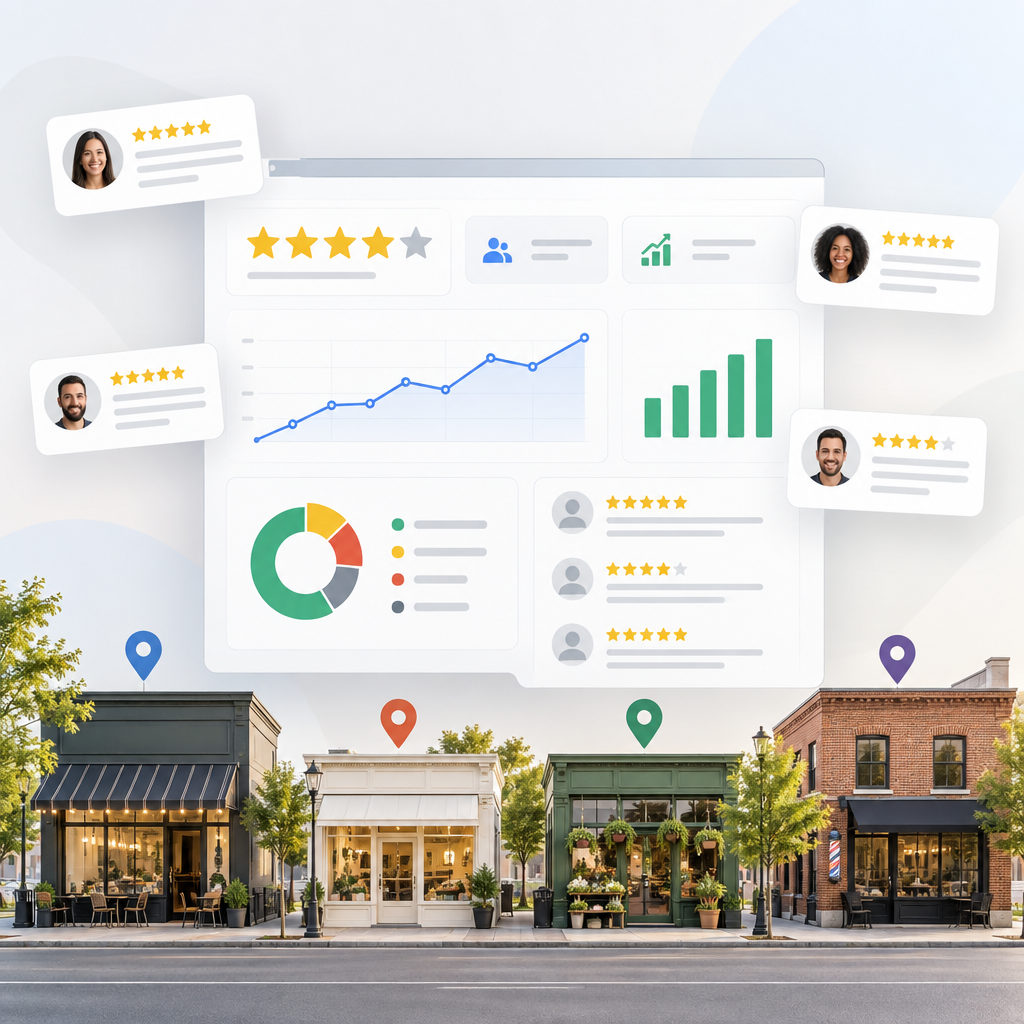
ReviewHive helps with the part that tends to break as a business grows: keeping every platform visible. By aggregating reviews into one dashboard, tracking rating and sentiment trends, and drafting AI-assisted replies, ReviewHive makes it easier to spot recency gaps, recurring complaints, and unanswered reviews without resorting to risky review shortcuts.
A Quick SMB Audit
Review every place your business asks for feedback: invoices, QR cards, email sequences, SMS messages, receipts, booking confirmations, post-service surveys, and staff scripts. Then ask five questions.
Are real customers receiving the request, or is the list filtered by mood, NPS score, staff preference, or purchase size? Does the message ask for an honest review, or does it imply a positive rating? Is any discount, free item, contest entry, refund, or perk tied to leaving, editing, or removing a review? Are requests platform-specific, especially for Yelp? Are replies being handled quickly enough to show future customers that the business pays attention?
If the answer is uncomfortable, fix the workflow before the next campaign goes out. The safest review strategy in 2026 is not louder asking. It is consistent asking, clean records, platform-aware rules, and fast responses.
For SMBs that want one place to monitor the work, ReviewHive brings reviews, trends, and reply drafting into a single dashboard so your team can build trust without gambling with platform policy.
Sources
- Google Business Profile Help: Business Profile restrictions for policy violations
- Google Business Profile Help: Prohibited & restricted content
- Google Business Profile Help: Tips to get more reviews
- BrightLocal: Local Consumer Review Survey 2026
- Federal Trade Commission: Federal Trade Commission Announces Final Rule Banning Fake Reviews and Testimonials
- Yelp: Terms of Service